Skip to content
    Whitepaper

    Azure Logic Apps Tracking Properties

    A complete team guide to end-to-end tracking and monitoring in Azure Logic Apps, so operations teams can answer “what happened to this order?” without opening a single line of code.

    21 pages · PDF~25 min read
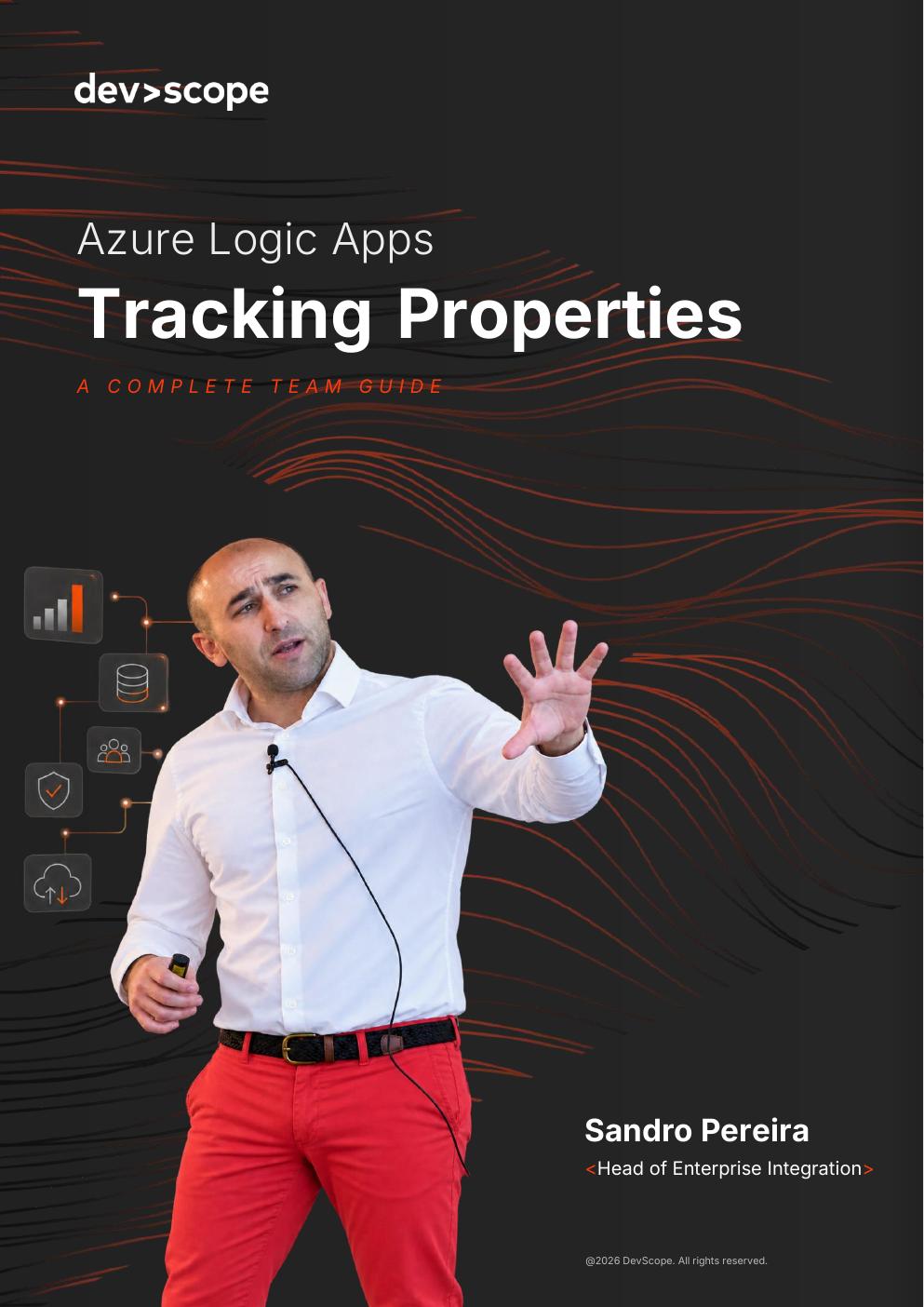
    Cover of the DevScope whitepaper Azure Logic Apps Tracking Properties

    What you will learn

    • What tracking properties are and where they fit in a Logic Apps estate
    • Pros, cons and prerequisites before you roll them out
    • Where and how to set them up, step by step
    • Naming conventions and rules of engagement for your team
    • Best practices, and the one rule that matters most
    • Monitoring Logic Apps in Log Analytics, with the queries that pay off

    About the author

    Sandro Pereira

    Head of Enterprise Integration at DevScope

    Microsoft MVP with two decades in enterprise integration, Sandro has designed and operated Logic Apps and BizTalk platforms for organisations where a lost message is a business incident, not a log entry.

    Get your free copy

    Fill in the form and we will email you the download link.

    The problems this guide solves

    Azure Logic Apps makes it easy to connect systems. Keeping that estate observable, knowing what ran, what failed and where a specific business document is right now, is a separate discipline. These are the situations the whitepaper addresses.

    “Nobody can tell me what happened to this order”

    A message enters your integration layer and disappears from the business view. Support escalates to IT, IT escalates to the integration team, and hours pass before anyone can say whether the order was received, transformed or rejected. Tracking properties attach the business keys, order number, customer, invoice, to every run, so the answer takes seconds.

    Only the developer who built it can investigate

    When troubleshooting means opening run history and reading JSON payloads, every incident becomes a developer interruption. With consistent tracking in place, operations and support teams search by business identifier in Log Analytics and resolve routine questions without touching the workflow.

    Errors are discovered by the customer, not by you

    Failed runs sit quietly in Azure until a partner calls. Structured tracking data turns Logic Apps telemetry into something you can alert on, by interface, by partner, by message type, so failures surface while there is still time to react.

    Every team names things differently

    Tracking only pays off when it is consistent across workflows, teams and projects. The guide includes the naming conventions and rules of engagement we apply on client estates, so a query written for one interface works across all of them.

    Log Analytics is full of data but short on answers

    Collecting telemetry is easy; asking useful questions of it is not. The whitepaper includes the diagnostic settings to enable and the Kusto queries that consistently earn their keep, end-to-end message search, failure breakdowns and volume trends.

    You still run BizTalk, and tracking is what you would miss

    Teams migrating from BizTalk Server to Azure Logic Apps often discover that the out-of-the-box message tracking they relied on for years has no direct equivalent in the cloud. Tracking properties are how you rebuild that capability, and they should be designed in before the migration, not bolted on after.

    Who should read it

    Integration architects and developers working with Azure Integration Services, operations and support teams responsible for message flows, and IT leaders planning a BizTalk Server modernisation. The guide assumes familiarity with Logic Apps, but the naming conventions and monitoring practices apply to any enterprise integration estate on Azure.

    See how we deliver enterprise integration on Azure

    Azure Logic Apps tracking, common questions

    Working on an integration estate you cannot see into?

    Our integration practice, led by Microsoft MVP Sandro Pereira, designs Azure Logic Apps platforms that operations teams can run without developers on standby.

    Start an exploratory conversation